
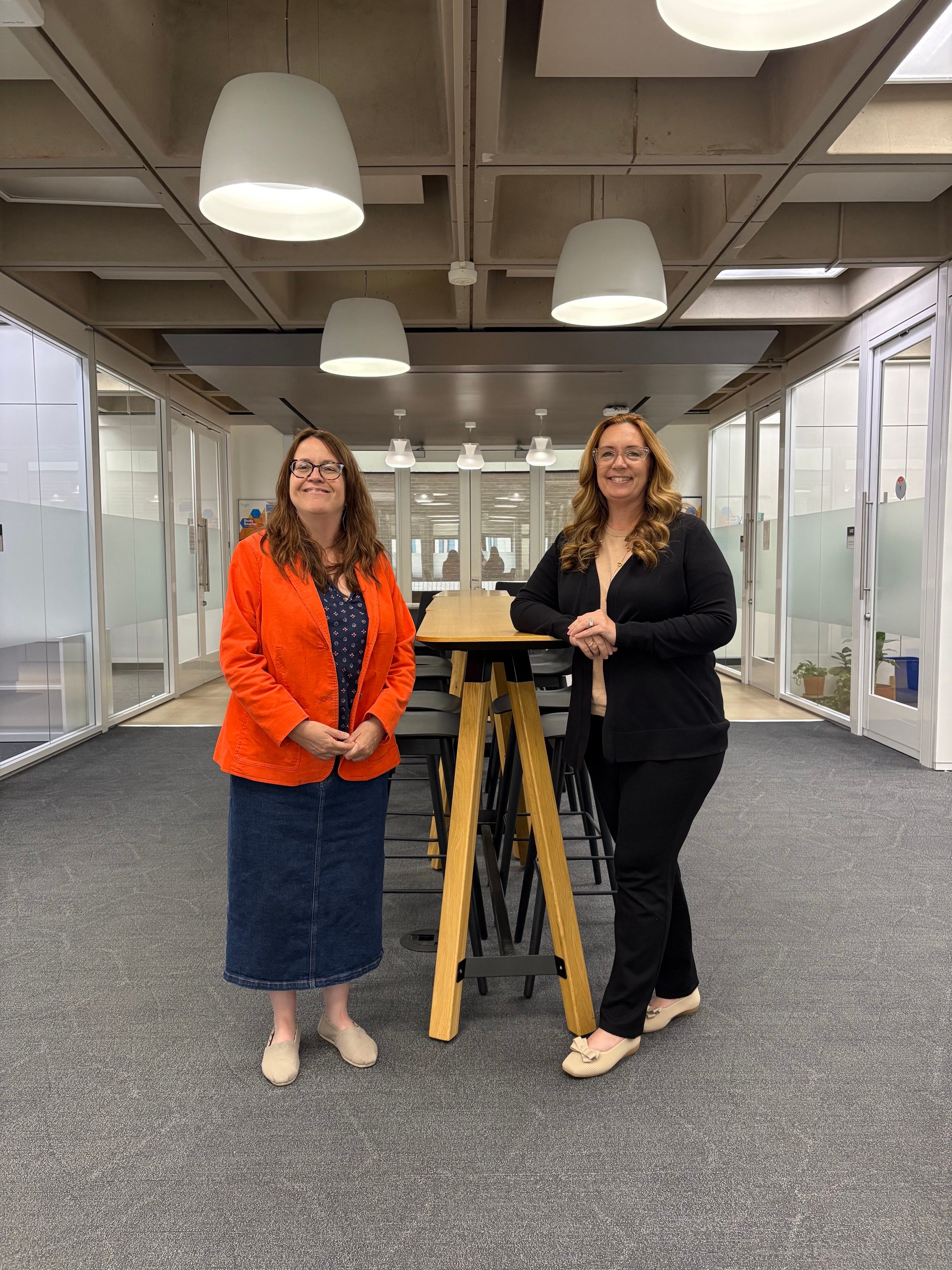
Welcome to the Economics Department!
Once you declare an Economics major, you will receive a welcome message from your individual academic advisor—Margaret Puskar-Pasewicz or Andrea Szabo—as well as an invitation to join the departmental Canvas page. We are here to help you choose courses and understand university policies, so you can graduate in a timely way and maximize your opportunities at Pitt.
Advisors listen to you without judgment and help ensure that you have the resources you need to succeed academically. In return, students are expected to communicate with their advisors, including checking their Pitt email regularly and meeting at least once every semester for a 30-minute pre-enrollment advising appointment where advisors will lift students' advising holds. While we are here to support you, it is ultimately up to the student to understand major requirements, enroll in courses, and make schedule changes within posted deadlines.
| Margaret Puskar-Pasewicz | Andrea Szabo |
|---|---|
| Email: map742@pitt.edu Office: Posvar 4705 Schedule an appointment with Margaret | Email: ans1529@pitt.edu Office: Posvar 4701 Schedule an appointment with Andrea |
To make an in-person or virtual appointment, please use the Navigate app or our personal availability links. If you haven't declared yet or otherwise don't see our names in the Navigate app, feel free to email us.
We are also happy to talk with any student with questions regarding Economics majors or the minor.
Faculty Mentors
Meeting regularly with a faculty mentor is very important as you progress through your degree. They can provide guidance on academic planning, discuss career and graduate school opportunities, and connect you with research, internships, and other experiential learning experiences. Drawing on their expertise in the discipline, they can help you better understand the field and identify opportunities that align with your goals.
FAQs
- 1. How do I declare a DSAS major, minor, or certificate?
To add or remove a major, minor, or certificate from your academic record, go to the Dietrich School procedures and forms page. You can declare a minor or certificate at any time, but the major declaration form closes twice a year.
- 2. How do I request a permission number for an Economics class?
- To request a permission number for an ECON class, you will need to complete this request form.
- Acceptable reasons for requesting a permission number include: the class has prerequisites you have not met yet but are planning to complete before the start of the class; the class has prerequisites for which you have AP scores and/or transfer credit from another university, and these have not yet posted to your Pitt record; or the class has a career restriction (i.e., you are an undergraduate student enrolling in a graduate-level course).
- We will not give permission numbers for closed/full classes. If a class is full, it is crucial that students add themselves to the waitlist as early as possible. If a seat opens, the system will enroll the next qualified student from the waitlist.
- We will not give a permission number to override a time conflict or enroll in more than 18 credits. A credit overload or time conflict override requires approval from the Dean's Office. To make an appointment with an assistant dean, complete this form.
- Permission numbers are good for one-time use. If you drop a class that you enrolled in with a permission number, you will need to request another permission number.
- Obtaining permission numbers does not automatically enroll you in the class nor guarantee you a seat. You must still enroll in the class after your enrollment date and time. Instructions for using a permission number are available online.
- 3. How do I take a summer class at a non-Pitt institution and receive credit toward my degree at Pitt?
Information about the summer approval process is available on the Dietrich School website.
- 4. What happens when I join a waitlist for a course?
- Sometimes a class is full, but waitlist spots are available. Being waitlisted for a class does not guarantee you a seat in the class, nor does it add to your total number of enrolled credits.
- Please note, the system will not enroll you in a class from the waitlist in the following situations: a time conflict with another class exists; adding the class would exceed 18 credits for the semester; or you have a seat in the same class at a different section/time unless you choose the swap option.
- Instructions for adding yourself to a waitlist, setting up a class swap, etc. can be found in the Registrar's waitlist FAQs.
- 5. How do I apply for graduation?
Students who wish to earn a Dietrich School degree or certificate must complete a graduation application form. For information about how and when to apply for graduation, visit the graduation application page.